In June 2025, a leak of 16 billion login records pushed India’s government to advise employees to move off their existing email setup and onto a new, more controlled domain. No confirmed government inboxes were compromised. But the fact that agencies felt compelled to act on “the perception of vulnerability alone”, in the words of one official, tells you where the bar for email security now sits.
If your organization runs Zimbra, that bar applies to you too. Zimbra is a strong, cost-effective alternative to proprietary email suites, which is exactly why so many government departments, PSUs, and mid-size enterprises rely on it. But a username and password were never designed to hold up against today’s credential theft economy, and Zimbra’s own security options only go so far without additional layers on top.
This guide is written for IT heads, CISOs, and security architects who are responsible for a Zimbra deployment and need to close that gap without ripping out a platform that otherwise works well for their budget and compliance needs.
Key Takeaways
- Credential abuse is still the single most common way attackers get into an organization. It was the leading initial access vector in Verizon’s 2025 Data Breach Investigations Report, based on analysis of over 12,000 confirmed breaches worldwide.
- Zimbra’s built-in two-factor authentication (TOTP via an authenticator app) is a reasonable baseline, but it is not protocol layer, does not natively support hardware tokens or biometrics, and leaves gaps at the admin and API level.
- CERT-In’s Information Security guidelines for government entities call for multi-factor authentication to be used “as much as possible” across email, VPN, and administrative access, alongside strong password policies and session timeouts.
- A dedicated authentication layer built for Zimbra should combine at least two of three factors (something the user knows, has, and is), work at the protocol level, and give admins centralized visibility and control.
- Rolling out MFA well is less about the technology and more about sequencing: start with privileged and admin accounts, then expand, while keeping a fallback path for lost devices.
Why Email Keeps Winning as the Preferred Attack Path
Attackers do not need to be clever if the front door is a password. According to Verizon’s 2025 DBIR, credential abuse and exploited vulnerabilities were the two most common initial access vectors into breached organizations last year, together accounting for a large share of confirmed incidents. In web application attacks specifically, stolen credentials were involved in the vast majority of cases the report examined.
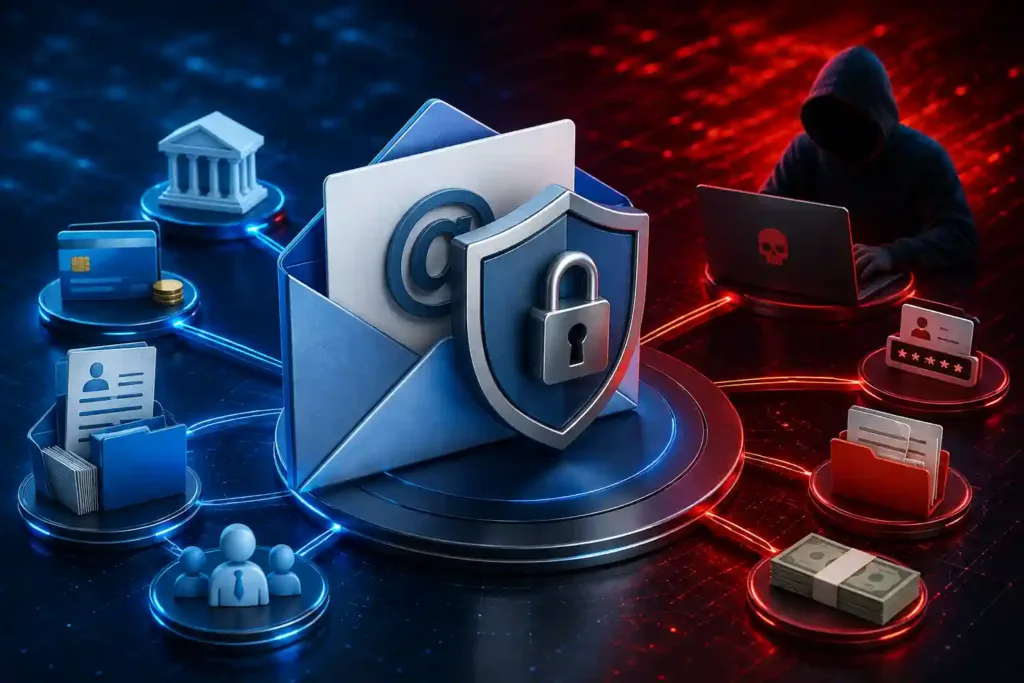
For email systems, the consequences of that access are rarely small. Once an attacker is inside an inbox, they are not just reading messages. They are often positioned to:
- Intercept financial approvals and redirect payments (a classic setup for business email compromise)
- Reset passwords on other systems that use email for verification
- Pull sensitive HR, legal, or procurement data straight out of message threads
- Impersonate the account holder to move laterally across the organization, especially damaging in government and law enforcement contexts where email carries operational or case-related information
This is why security frameworks increasingly treat email as identity infrastructure, not just a communication tool. If someone controls the inbox, they usually control a lot more.
Where Zimbra’s Native Security Leaves a Gap
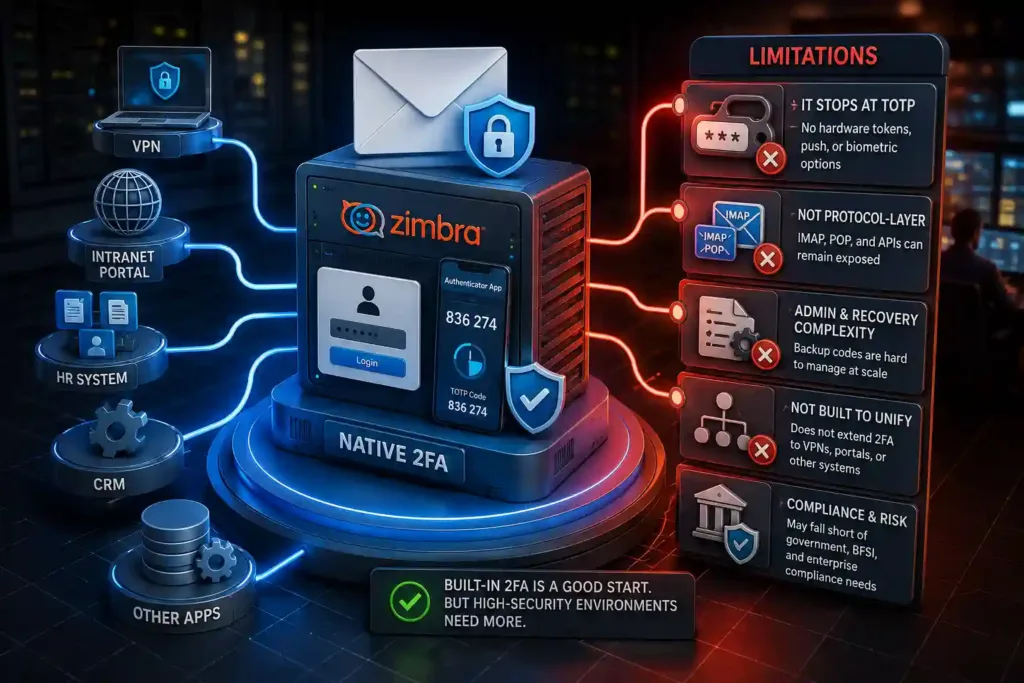
Zimbra Collaboration does include built-in two-factor authentication. Once enabled by an admin, users can set up TOTP codes through an authenticator app, with backup one-time codes for emergencies. For many organizations, this is a genuine improvement over password-only access, and it is worth turning on regardless of anything else in this guide.
That said, admins evaluating Zimbra for a government, BFSI, or large enterprise deployment tend to run into the same limitations:
It stops at TOTP
Native 2FA covers app-based one-time codes. It does not extend to hardware tokens, push-based approval, or biometric verification, options that many compliance frameworks and higher-security environments expect as a matter of policy, not preference.
It is not protocol-layer
Because the built-in 2FA sits at the web client level, protocols like IMAP, POP, and certain API integrations can be left exposed unless separately locked down. Attackers who cannot get past the web login sometimes look for exactly this kind of side door.
Admin and recovery workflows need extra care
Backup one-time codes have to be issued, stored securely, and managed by the user or admin. In larger, distributed organizations (multiple departments, field offices, or branches), this becomes an operational burden without centralized tooling.
It was not built to unify authentication across systems
Most organizations do not run Zimbra in isolation. There is usually a VPN, an intranet portal, and several other applications that also need strong authentication. Native Zimbra 2FA does not extend to any of that, which means security teams end up managing multiple disconnected authentication systems instead of one coherent policy.
None of this makes Zimbra a weak platform. It means that organizations with real compliance obligations, especially government and law enforcement bodies operating under CERT-In guidance, generally needs a purpose-built authentication layer on top of it.
What CERT-In and Similar Frameworks Actually Expect
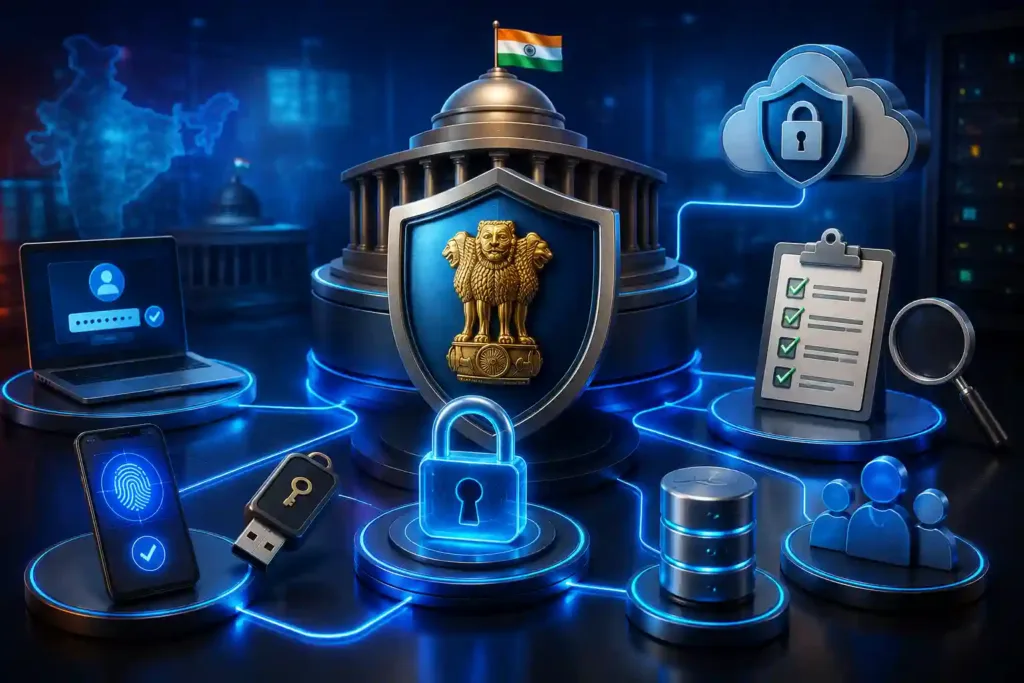
For India-based government departments and regulated entities, this is not a theoretical best practice. CERT-In’s Information Security guidelines for government bodies call for multi-factor authentication to be used as widely as possible, alongside complex password policies, 15-minute session timeouts for inactivity, and periodic review of login attempts. The same guidance pushes government users toward centralized identity mechanisms, such as single sign-on integration with e-Pramaan or Parichay.
Read together, the expectation is not just “turn on 2FA”. It is closer to authenticating consistently across every system, with factors strong enough to withstand credential theft and with enough logging that a suspicious login gets noticed quickly.
That is a materially higher bar than app-based TOTP alone, and it is the bar a dedicated authentication platform is built to meet.
What to Look for in an MFA Layer for Zimbra
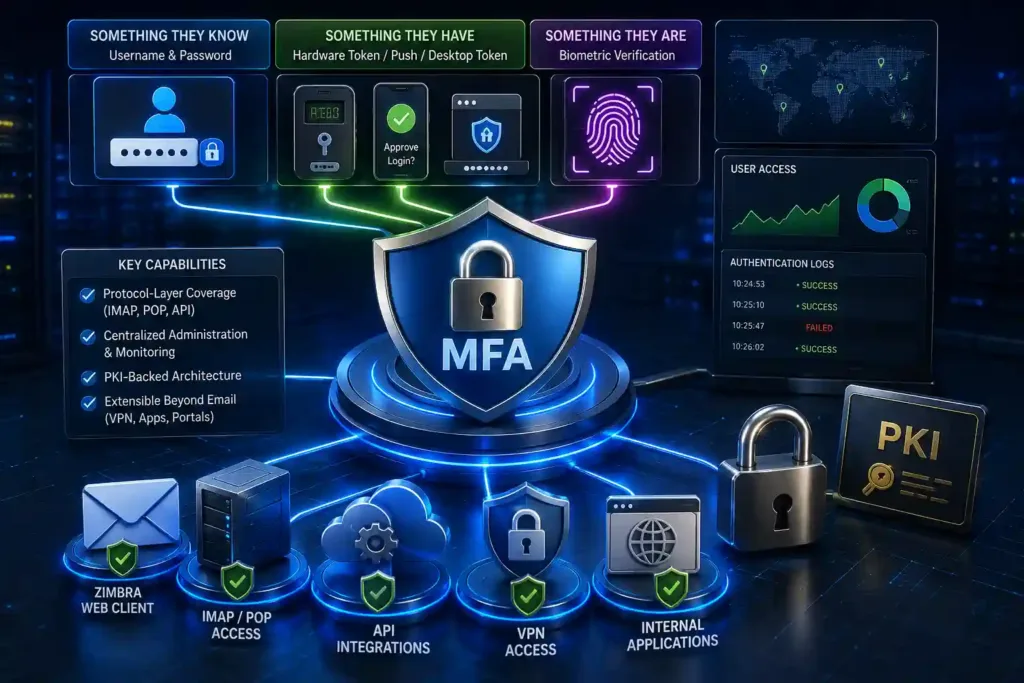
If you are evaluating options to strengthen Zimbra authentication, it helps to judge them against the same three-factor model security teams have used for decades: something the user knows, something they have, and something they are.
Something they know
Username and password remain the base layer. The goal here is not to eliminate passwords but to stop treating them as sufficient on their own.
Something they have
This covers hardware tokens, push notifications to a registered device, or desktop tokens. A strong solution should support more than one option here, since not every department or field office has the same access to smartphones or company-issued hardware.
Something they are
Biometric verification (fingerprint, for example) adds a factor that cannot be phished, shared, or guessed. It is particularly relevant for environments where accountability for who accessed what matters, such as law enforcement and government records systems.
Beyond the three factors, a few practical criteria matter just as much:
- Protocol-layer coverage. The solution should protect IMAP, POP, and API access, not just the web login screen.
- Centralized administration. Security teams need one dashboard to provision, monitor, and revoke access, rather than juggling settings per application.
- PKI-backed architecture. End-to-end public key infrastructure adds a layer of cryptographic assurance that is harder to compromise than shared secrets alone.
- Extensibility beyond email. The same authentication layer should ideally cover VPN access and other internal applications, so you are managing one policy instead of five.
Rolling Out MFA on Zimbra Without Disrupting Users
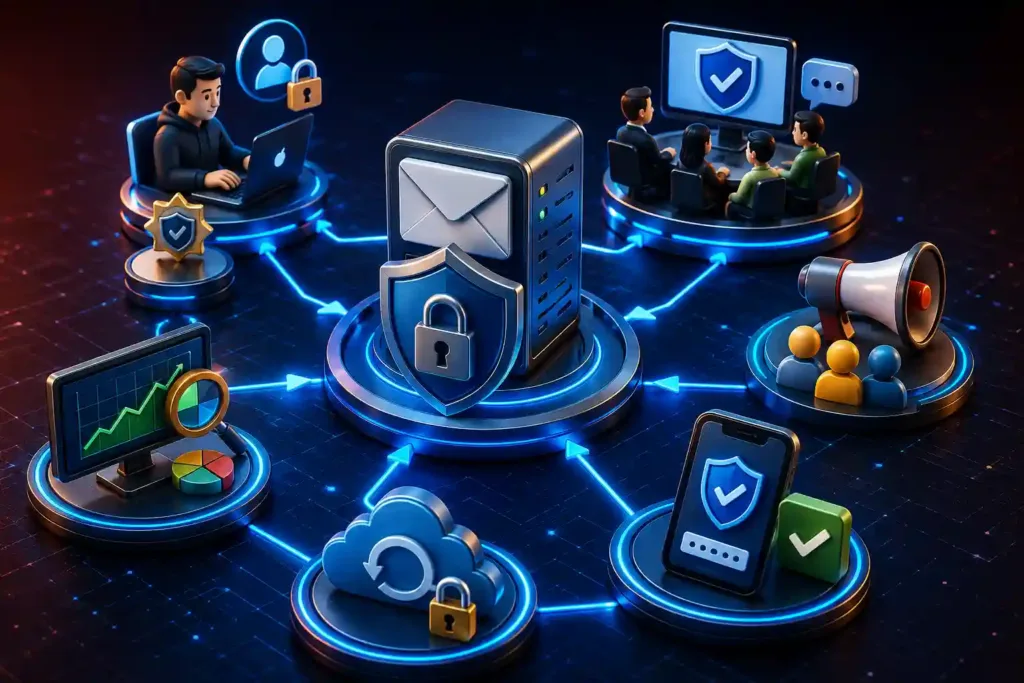
A phased rollout tends to work better than a single cutover, particularly in larger or distributed organizations.
- Start with privileged accounts. Admin logins, finance, and HR accounts carry the highest risk if compromised. Secure these first.
- Pilot with one department or office. Work out enrollment friction, backup-code distribution, and helpdesk load before going wide.
- Communicate the “why”, not just the “how”. Staff are more likely to follow through on setup when they understand what is at stake, not just which button to click.
- Build in a recovery path. Lost phones and dead batteries happen. A clear, secure fallback (backup codes, admin-assisted reset) prevents legitimate users from getting locked out and prevents them from disabling MFA out of frustration.
- Review logs regularly. MFA reduces risk, but it does not eliminate the value of watching for unusual login patterns, especially from new devices or locations.
Frequently Asked Questions
1. Does Zimbra support multi-factor authentication out of the box?
Yes, Zimbra Collaboration includes built-in two-factor authentication using TOTP (an authenticator app) with backup one-time codes for account recovery. Admins enable it at the Class of Service level.
2. Is Zimbra’s built-in 2FA enough for a government or regulated organization?
For a baseline, it helps significantly over passwords alone. For organizations under frameworks like CERT-In’s guidelines for government entities, which call for MFA “as much as possible” alongside centralized identity management, native TOTP alone typically does not cover the full scope expected, particularly at the protocol layer and across non-web access points.
3. What is the difference between 2FA and multi-factor authentication?
Two-factor authentication (2FA) is a subset of MFA that uses exactly two factors, usually a password plus one additional method. MFA is the broader term for any authentication requiring two or more independent factors, which can include combinations of knowledge, possession, and biometric verification.
4. Can MFA be added to Zimbra without disrupting existing mailboxes or workflows?
Yes. A protocol-layer authentication solution can typically be layered onto an existing Zimbra deployment without migrating data or changing the underlying mail infrastructure. The main work is in enrollment and change management, not in rebuilding the mail system.
5. Does adding MFA slow down how users log in every day?
There is a small amount of added friction at login, usually a few seconds. Push-based approval and trusted-device settings (where a verified device is not re-challenged for a set period) can keep this minimal while still enforcing strong authentication at first login and from new devices.
6. Where This Fits Into a Broader Security Posture?
MFA closes one of the most exploited gaps in email security, but it works best as part of a wider approach to identity and access management, not a standalone fix. If you are assessing how authentication, access control, and monitoring fit together across your Zimbra environment and other internal systems, it is worth mapping that out before choosing a point solution.
[Explore Innefu’s Unified Authentication Platform, AuthShield →]