There is a moment every CISO recognises.
You have deployed MFA. You have trained users. You have the compliance checkbox. And then a breach happens anyway, credentials stolen through phishing, a session token intercepted, a push notification approved without thinking. The second factor was there. It just did not stop what it was supposed to stop.
The question that follows is always the same: if we have MFA and we are still getting compromised, what do we actually need?
For a growing number of enterprises, government agencies, and financial institutions, the answer is biometric authentication, not as a replacement for multi-factor authentication, but as the identity layer within it that actually verifies the person, not just the possession.
This guide covers what biometric authentication for enterprise genuinely involves, the deployment decisions that determine whether it works, the challenges that derail implementations, and how to build a biometric authentication architecture that holds up under real operational pressure.
Key Takeaways
- Biometrics verify identity, not possession: unlike OTP or hardware tokens, a fingerprint or face cannot be transferred, intercepted, or handed to an accomplice.
- Enterprise biometric deployment is a design decision, not a product purchase: where you deploy it, for which users, layered with what other factors, determines the actual security outcome.
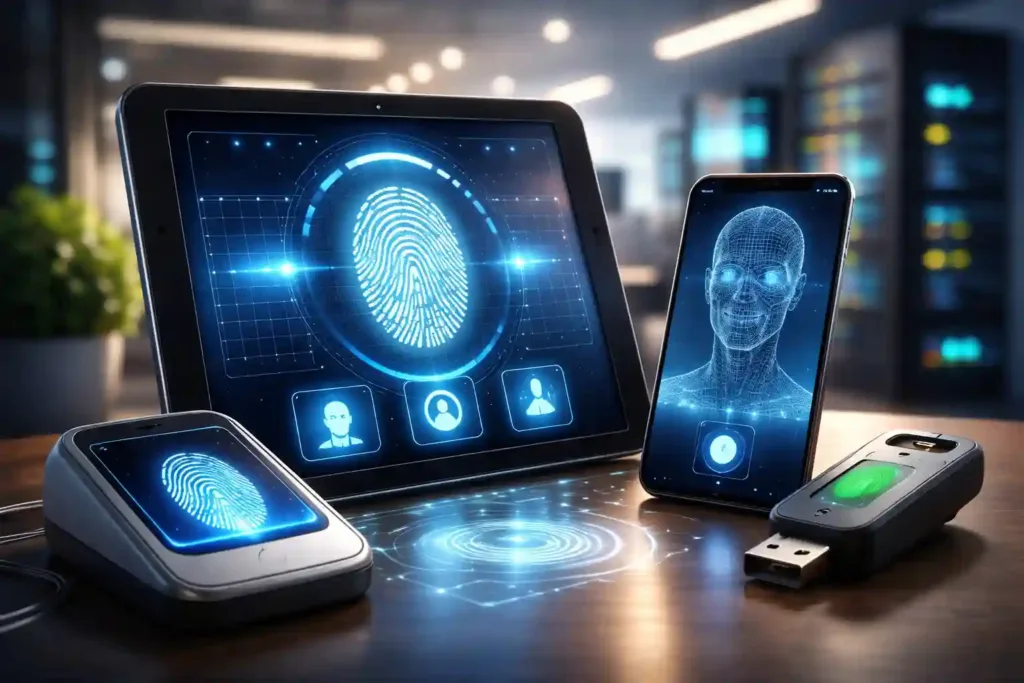
- Fingerprint and facial recognition serve different use cases: fingerprint for active workstation authentication, facial recognition for passive or hands-free scenarios; the strongest deployments use both contextually.
- Legacy application coverage is the deployment gap that most enterprises miss: a biometric layer that only covers modern web apps leaves older systems, email, SAP, VPN, unprotected.
- On-premise deployment is non-negotiable for regulated industries: biometric template data is sensitive by definition; organisations with data sovereignty requirements cannot route it through external cloud infrastructure.
- Combining biometrics with 2FA produces categorically stronger security: neither alone is sufficient for high-sensitivity access; the combination addresses the weaknesses of each.
- User experience is a security variable, not just a convenience concern: frictionless biometric login reduces the workarounds that undermine every authentication system.
What Biometric Authentication for Enterprise Actually Means
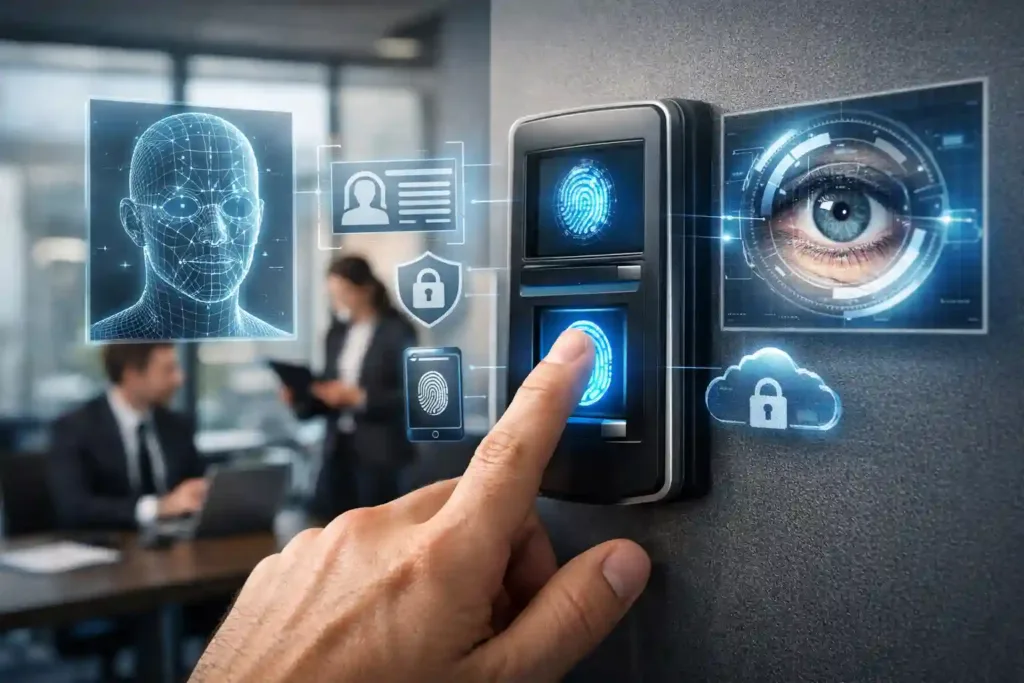
Biometric authentication uses a measurable physical or behavioural characteristic of a person, their fingerprint, face, voice, iris, as a factor in verifying their identity before granting access.
In an enterprise context, this means that instead of (or in addition to) a password and an OTP, an employee proves who they are by presenting a characteristic unique to them. The system compares the presented characteristic against a stored template enrolled at registration, and grants or denies access based on the match.
This sounds straightforward. The implementation reality has more dimensions.
What biometrics are, and what they are not
Biometric authentication is an identity factor, “something you are.” It is not a complete authentication system by itself. The most secure enterprise deployments combine biometrics with at least one other factor, something the user knows (a PIN) or something they have (a registered device), so that a single point of compromise cannot grant unauthorised access.
Biometrics raise the bar significantly. Combined with 2FA, they raise it to a level that isolated credential-based attacks cannot clear.
Where the biometric match happens matters enormously
There are two fundamentally different architectures: on-device matching (the biometric is captured and compared against a template stored on the device itself, never transmitted) and server-side matching (the captured biometric is transmitted to a central server for comparison).
For enterprise deployments, particularly in regulated industries, government organisations, and any environment with data sovereignty requirements, on-premise server-side matching under the organisation’s own control is the security standard.
Cloud-based biometric matching routes sensitive biometric data through infrastructure the organisation does not own, which is an unacceptable exposure for most serious enterprise environments.
Enrolment quality determines system performance
A biometric system is only as reliable as the templates stored at enrolment. Poor lighting during facial enrolment, inconsistent fingerprint capture, or rushed enrolment processes produce templates that generate higher false rejection rates (legitimate users denied access) in operation.
Controlled, quality-assured enrolment is not a nice-to-have, it directly determines whether the deployed system performs reliably.
The Enterprise Use Cases Where Biometric Authentication Delivers the Most Value
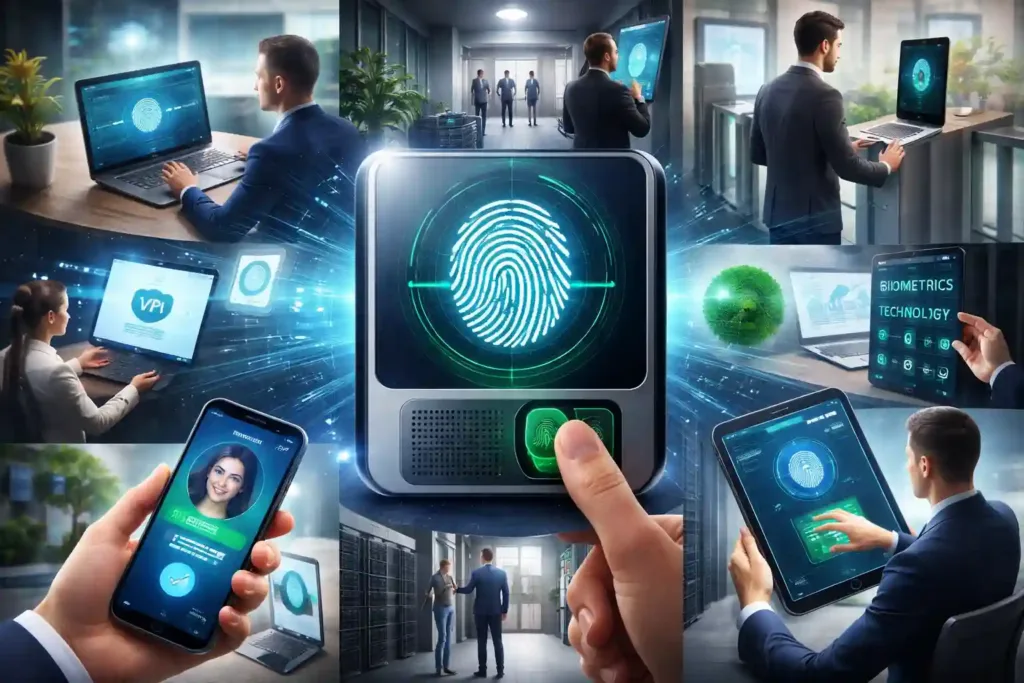
Biometric authentication is not uniformly applicable across all enterprise access scenarios. Understanding where it delivers the most value, and where other factors remain more appropriate, is the foundation of a coherent deployment strategy.
Workstation and Windows login
This is the highest-volume authentication event in most enterprises, the daily login to a Windows workstation, server, or remote desktop. It is also where authentication fatigue is most acute: employees who login multiple times a day are exactly the users most likely to use weak passwords, share credentials, or approve MFA prompts without reading them.
Fingerprint biometrics at workstation login eliminates this friction entirely, a single touch replaces a password entry and a second factor prompt. The authentication event becomes faster than the legacy process, not slower. Security compliance goes up because resistance to it goes down.
VPN and remote access
Remote access is one of the highest-risk authentication vectors in modern enterprises, users authenticating from unmanaged networks, personal devices, and variable locations. Biometric authentication for VPN login adds an identity verification layer that confirms the person physically present at the remote device is the authorised user, not just someone who has obtained their credentials.
Combined with network and time policies that flag access from unusual locations or hours, this substantially reduces the remote access attack surface.
Privileged access to sensitive systems
SAP, ERP platforms, core banking systems, HR data, financial records, these are the systems where a single compromised account creates the most damage. Step-up biometric authentication for privileged access, even within an already-authenticated session, ensures that access to the most sensitive systems requires active identity verification at the point of access, not just at login.
Physical and campus access integration
In large campus environments, unifying digital authentication with physical access control under the same biometric identity creates a coherent security perimeter. The same fingerprint or facial recognition that logs an employee into their workstation can govern their access to restricted physical areas, server rooms, and sensitive facilities, with a complete audit trail that links digital and physical access events.
Web applications and customer-facing portals
For financial institutions and enterprises with external-facing portals, biometric authentication for customer login removes the highest-friction element of the user experience, the password, while simultaneously raising the security standard. Customer satisfaction and security improve together, rather than trading against each other.
Email and communication systems
Enterprise email is among the most targeted attack surfaces, credential theft for email access is a precursor to a significant proportion of business email compromise and data exfiltration incidents. Biometric authentication for email clients, including legacy protocol systems like POP3 and IMAP, closes this vector at the identity level.
The Deployment Challenges That Derail Enterprise Biometric Implementations
Understanding the challenges is as important as understanding the capabilities, because biometric authentication projects that fail typically do so for predictable, avoidable reasons.
Challenge 1: Legacy application coverage gaps
Most enterprises do not run on modern web applications alone. They have SAP systems, email servers running legacy protocols, VPN infrastructure, database access, and custom applications built years or decades ago that were never designed with modern authentication in mind.
A biometric authentication solution that only covers new web applications leaves the majority of the enterprise’s access surface unprotected, and creates a fragmented authentication experience that users navigate inconsistently.
The solution is a platform that authenticates at the protocol layer, not just the application layer, one that can intercept and apply authentication requirements to legacy systems including POP3, IMAP, and other older protocols without requiring those systems to be rebuilt or replaced.
Challenge 2: Biometric data security and sovereignty
Biometric templates are uniquely sensitive data. Unlike a compromised password, a compromised biometric template cannot be changed, you cannot issue new fingerprints. The security architecture around biometric template storage, transmission, and management must be treated as critically sensitive infrastructure.
For enterprises in regulated industries, banking, insurance, healthcare, government, routing biometric data through cloud providers introduces regulatory risk alongside security risk. On-premise deployment, where templates are stored and matched within the organisation’s own controlled environment, is the appropriate standard.
Challenge 3: Enrolment at scale
Deploying biometric authentication to 5,000 employees is a logistics operation, not just a technical one. Users need to physically enrol their biometric characteristics, in a controlled environment that produces reliable templates.
Poorly planned enrolment rollouts produce poor template quality, inconsistent user experience, and resistance to the system from users who encountered problems at enrolment. The deployment plan must include enrolment logistics, quality control, and fallback mechanisms for users whose biometric characteristics are harder to capture reliably.
Challenge 4: Environmental reliability
Fingerprint authentication fails more frequently for users whose work involves physical labour, a construction supervisor with calloused hands, a manufacturing floor manager whose fingerprints are worn, a field officer whose hands are frequently dirty or wet. Facial recognition degrades in low-light conditions or when users wear masks, headgear, or are at unusual angles.
A biometric deployment without fallback mechanisms for these scenarios creates access denial events for legitimate users, which erodes trust in the system and creates pressure to disable security controls entirely.
Challenge 5: Single platform fragmentation
Deploying fingerprint authentication for Windows login through one vendor, facial recognition for physical access through another, and OTP for VPN through a third produces a fragmented authentication landscape that is administratively complex, inconsistently enforced, and creates policy gaps at the boundaries between systems.
Unified authentication, all factors, all applications, all users, managed from a single platform under consistent policy is both more secure and substantially easier to administer.
AuthShield: Enterprise Biometric Authentication Built for the Full Application Landscape
AuthShield is Innefu’s unified authentication platform, and its approach to biometric authentication for enterprise is built around solving exactly the challenges above.
Biometric methods available:
Fingerprint authentication using proprietary biometric matching. AuthShield’s fingerprint recognition uses proprietary matching technology for fast, accurate authentication, deployed for Windows login, web applications, enterprise systems, and more. The match is precise, the authentication event is under a second, and the user experience is actively better than password-based login rather than a friction addition.
AI-driven facial recognition. AuthShield’s facial biometrics use AI-driven facial recognition for convenient, secure access, enabling passive or hands-free authentication scenarios where fingerprint input is impractical.
The combination that actually matters, biometrics with 2FA:
AuthShield’s core architecture combines biometric authentication with two-factor authentication rather than treating them as alternatives. The fingerprint or facial scan confirms identity. A second factor, whether a PKI-based push notification, a TOTP token, or a hardware token, confirms possession.
Together, they address the weaknesses of each in isolation: biometrics verify presence and identity; the second factor confirms it is the authorised device or channel.
Single platform across 150+ integrations:
AuthShield covers the full enterprise application landscape from a single platform, Windows login, Remote Desktop and SSH, VPN and network devices, Microsoft Exchange, Office 365, Zimbra, SAP and ERP systems, web applications, databases, and custom applications. Every application in the environment is protected under the same biometric authentication policy, managed from the same administrative interface.
The patented Deep Packet Inspection layer, solving the legacy application problem:
This is AuthShield’s most technically distinctive capability and the direct solution to the legacy application challenge. AuthShield is equipped with a patented Deep Packet Inspection layer that implements authentication at the protocol level, enabling it to apply biometric authentication requirements to legacy applications using protocols like POP3 and IMAP.
Organisations do not face the binary choice between modernising every legacy system or leaving it unprotected. AuthShield authenticates at the protocol layer regardless of the application’s age or authentication support.
Adaptive authentication engine on trained ML algorithms:
AuthShield’s adaptive engine evaluates the context of every authentication attempt, device, location, network, time, behavioural baseline, and adjusts the verification requirement accordingly. A biometric login from a known workstation on the corporate network at normal working hours clears with minimum friction.
The same login from an unfamiliar location at an unusual hour triggers step-up verification. Security scales with risk rather than applying maximum friction uniformly.
Network, time, and geo-fencing policies:
Administrators can define authentication policies scoped to specific network ranges, time windows, and geographic locations. Access attempts outside these parameters trigger additional verification or denial, regardless of whether valid credentials are presented.
This is particularly valuable for privileged access management, where the risk profile of off-network or off-hours access is categorically higher.
On-premise deployment:
AuthShield deploys entirely on-premise. Biometric templates, authentication decisions, and access logs remain within the organisation’s own infrastructure.
No biometric data is transmitted to external servers. For enterprises with data sovereignty requirements, regulated data environments, or air-gapped networks, this is the deployment standard.
Proven at enterprise and government scale:
AuthShield has been deployed across campus environments at a major Indian conglomerate, implementing unified biometric authentication across all campuses for computer and server login, with Deep Packet Inspection for legacy protocol security.
It has secured a national government email system, protecting legacy POP/IMAP protocols while enabling security modernisation without disruptive system replacement. It has replaced RSA across security-critical organisations. It is the first Indian company to achieve OATH certification, the international open standard for authentication technology.
Building Your Enterprise Biometric Authentication Architecture: A Decision Framework
Step 1: Audit your application landscape before choosing a platform. Map every application and system that requires authentication, including legacy systems, email clients, VPN, database access, and remote desktop. Any platform that cannot cover the full landscape will leave gaps. The coverage question is the most important evaluation criterion.
Step 2: Determine your deployment model. On-premise or cloud? For enterprises in regulated industries, government organisations, or any environment handling sensitive data, on-premise is the appropriate default. Ensure the vendor’s “on-premise” offering is genuinely so, not a private cloud variant that still routes data through external infrastructure.
Step 3: Choose biometric factors based on use case, not preference. Fingerprint for active workstation and system authentication. Facial recognition for passive or hands-free scenarios. Both, where security requirements justify. Do not deploy biometrics in isolation, combine with a second factor for any sensitive access scenario.
Step 4: Plan enrolment as an operational project. Enrolment logistics, how, where, and under whose supervision users register their biometrics, determine template quality and long-term system performance. Budget time and resource for this as seriously as for the technical deployment.
Step 5: Define fallback and exception handling before go-live. What happens when a user’s fingerprint cannot be read? What is the process for a user who forgets their enrolled device? Exception handling designed before deployment is a security control. Exception handling improvised after a user is locked out is a security gap.
Step 6: Establish policy before technology. Which users require biometric authentication? For which systems? Under which access conditions is step-up verification triggered? Policy decisions should drive technology configuration, not the reverse. A platform with a capable policy engine, geo-fencing, network and time policies, role-based rules, allows policy to be enforced consistently rather than relying on individual administrator judgement.
Frequently Asked Questions
1. What is biometric authentication for enterprise?
Biometric authentication for enterprise is the use of employees’ physical characteristics, fingerprints, facial features, to verify their identity before granting access to corporate systems, applications, and data. In enterprise deployments, biometric authentication typically combines with at least one other factor (a PIN, a registered device, or a token) to create multi-factor authentication that is both more secure than password-based systems and more convenient for users in high-volume authentication environments.
2. Is biometric authentication more secure than OTP?
Biometrics and OTP address different attack vectors and have different strengths. OTP is vulnerable to SIM swapping, real-time phishing proxies, and MFA fatigue attacks, because OTP codes can be intercepted, forwarded, or socially engineered. Biometrics cannot be intercepted in transit in the same way, there is no transferable code to capture. However, biometrics have their own limitations: environmental factors affecting accuracy, the impossibility of changing a compromised biometric template, and spoofing risk in lower-quality implementations. The strongest enterprise deployments combine both, biometrics for identity verification, OTP or push notification for possession confirmation. For a detailed comparison, see our blog: OTP vs Biometric Authentication →
3. Can biometric authentication work with legacy enterprise applications?
Most standard biometric authentication platforms cannot integrate with legacy applications that use older authentication protocols, which is a significant gap in most large enterprise environments. AuthShield addresses this specifically through its patented Deep Packet Inspection layer, which implements authentication at the protocol level and enables biometric authentication for legacy applications using protocols like POP3 and IMAP, without requiring those applications to be rebuilt or replaced.
4. What is the difference between on-device and server-side biometric matching?
On-device matching stores the biometric template on the user’s device and performs the comparison locally, the biometric data never leaves the device. Server-side matching transmits the captured biometric to a central server for comparison. For enterprise environments with centralised user management and auditing requirements, server-side matching on an on-premise server, where the organisation owns and controls the infrastructure, provides both centralised policy enforcement and data sovereignty. The critical requirement is that biometric data not be transmitted to cloud infrastructure the organisation does not control.
5. How does biometric authentication handle users whose biometrics are hard to capture?
Physical labour, skin conditions, injuries, and environmental factors can make fingerprint capture unreliable for some users. Any enterprise biometric deployment must include fallback authentication methods, an alternative second factor, for users in these situations. A well-configured platform applies these exceptions by policy, not by ad hoc workaround, so that fallback mechanisms are controlled and auditable rather than informal and ungoverned.
6. How long does enterprise biometric authentication deployment take?
Deployment timelines depend primarily on the scope of application coverage, the size of the user population, and the complexity of the existing IT infrastructure. A phased deployment, starting with Windows login and VPN access, then extending to email and applications, is typically more manageable than attempting full coverage simultaneously. The most time-consuming component is usually enrolment: planning and executing the physical process of enrolling all users’ biometrics in a controlled, quality-assured way at scale. A well-planned deployment to a large enterprise typically runs over several months for full coverage.
7. What makes AuthShield different from other enterprise biometric authentication platforms?
Three capabilities distinguish AuthShield specifically: the patented Deep Packet Inspection layer that enables biometric authentication for legacy protocols (unique globally, per available documentation), the combination of proprietary fingerprint recognition with AI-driven facial recognition within a single unified platform across 150+ integrations, and the on-premise deployment model that keeps all biometric template data within the organisation’s own infrastructure. AuthShield is also the first Indian company to achieve OATH certification, and has a deployment track record across both large enterprise campus environments and regulated government infrastructure.